
Introduction
In our last article on the Chinese monolith, we dived into what WeChat is about, its history, and how Chinese-Americans transcend borders to take advantage of the plethora of content, messaging services, and mini-apps on the app.
Since its release by the Chinese tech giant Tencent in 2011, the messaging app has become the world’s largest standalone mobile app, overtaking its competitors in 2018 and now boasting over a billion monthly active users.
From using it to catch up with relatives to checking videos from favorite creators, WeChat has become a necessity for staying connected and up-to-date with the news: as one frequent user stated, “I can use the app for everything, from reserving tickets for museums, checking my ID, and making appointments, to getting KFC!”
However, the application can be intimidating at first glance, with many of its services and sections exclusively in Chinese, even when using the app’s English version, and hard to access.
Not to worry, though! We’re here to help you make the most of this cultural giant – with beginner-friendly explanations, translations, and tips and tricks from our most experienced users, you’ll feel like a 微信专家 (WeChat Pro) in no time.
The Search Browser: A Window Into the Chinese Net
After registering for an account through either a phone number or downloading the computer app, you’re fully ready to explore the treasure trove of programs, apps, and media available on WeChat – but a personal favorite is the Search feature: a search engine that allows you to do research and find out all sorts of information!

The Search button is the five-lined star in the sidebar for the computer app.
Upon clicking on it, you will be diverted to the main browser tab, which also allows you to filter your query using different categories, such as channels, articles, and stickers.
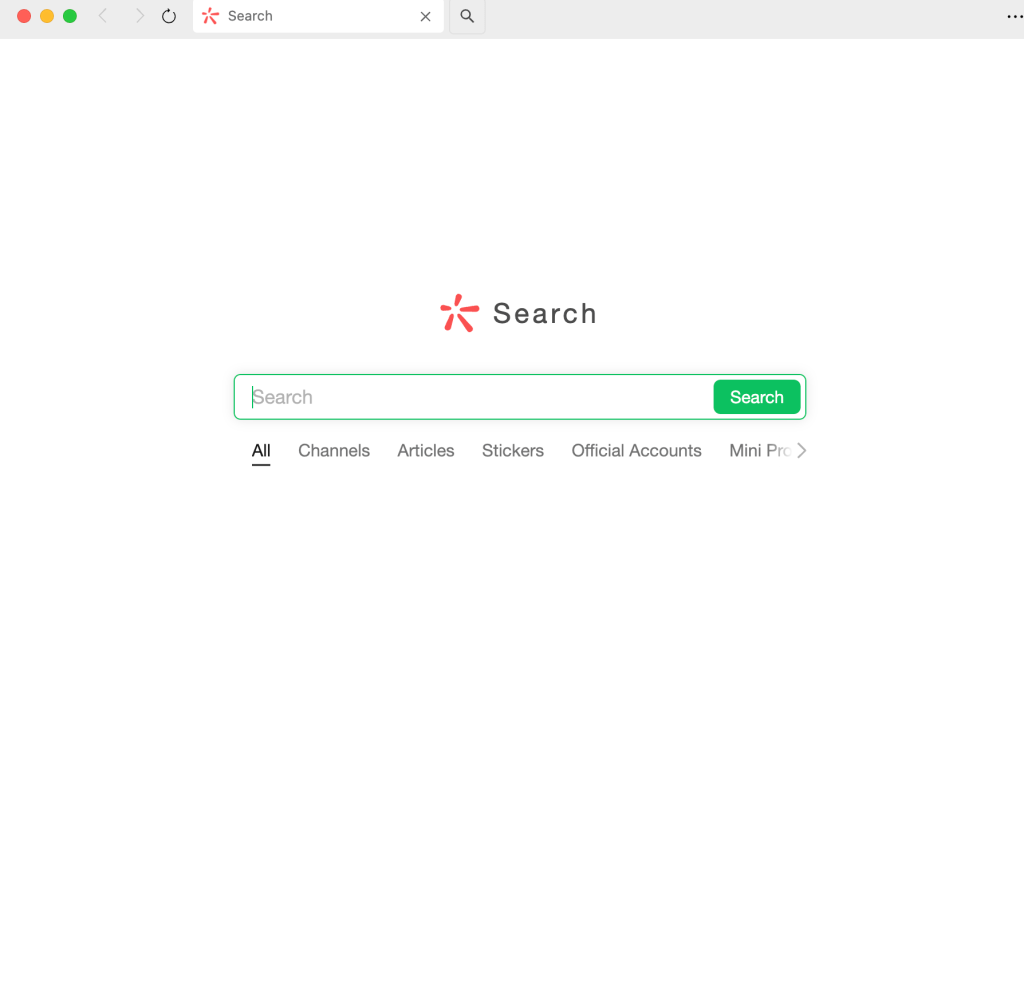
Since the search browser is both optimized for and only works for Chinese entries, it is recommended to use a translator for most queries.
Let’s try searching for “news” (新闻). Putting the result in the search bar and pressing the button, you’ll be immediately redirected to a page of results that may seem a bit unfamiliar in format.
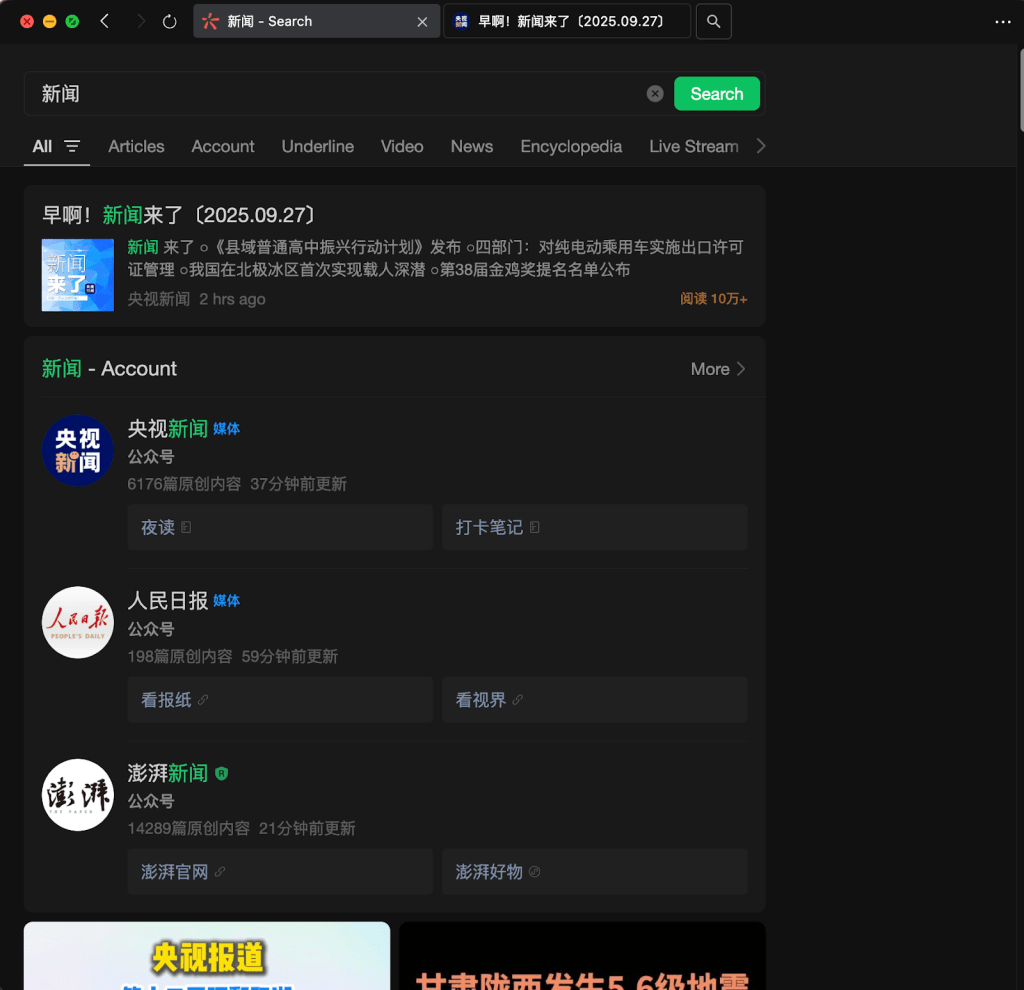
Looking at the search results, the channels are the most prominent results at the center, with videos displayed at the bottom. We’ll delve into channels in a bit, with the mini-programs section, but you can choose to click on each and explore their content.
Once you’ve mastered search, head on over to Mini-Programs, where your new surfing techniques will be truly put to the test!
The Magic of Mini-Programs
Mini-programs are a feature built into the search browser, but they are so helpful that there’s a dedicated button for opening and discovering the plethora of content available here!
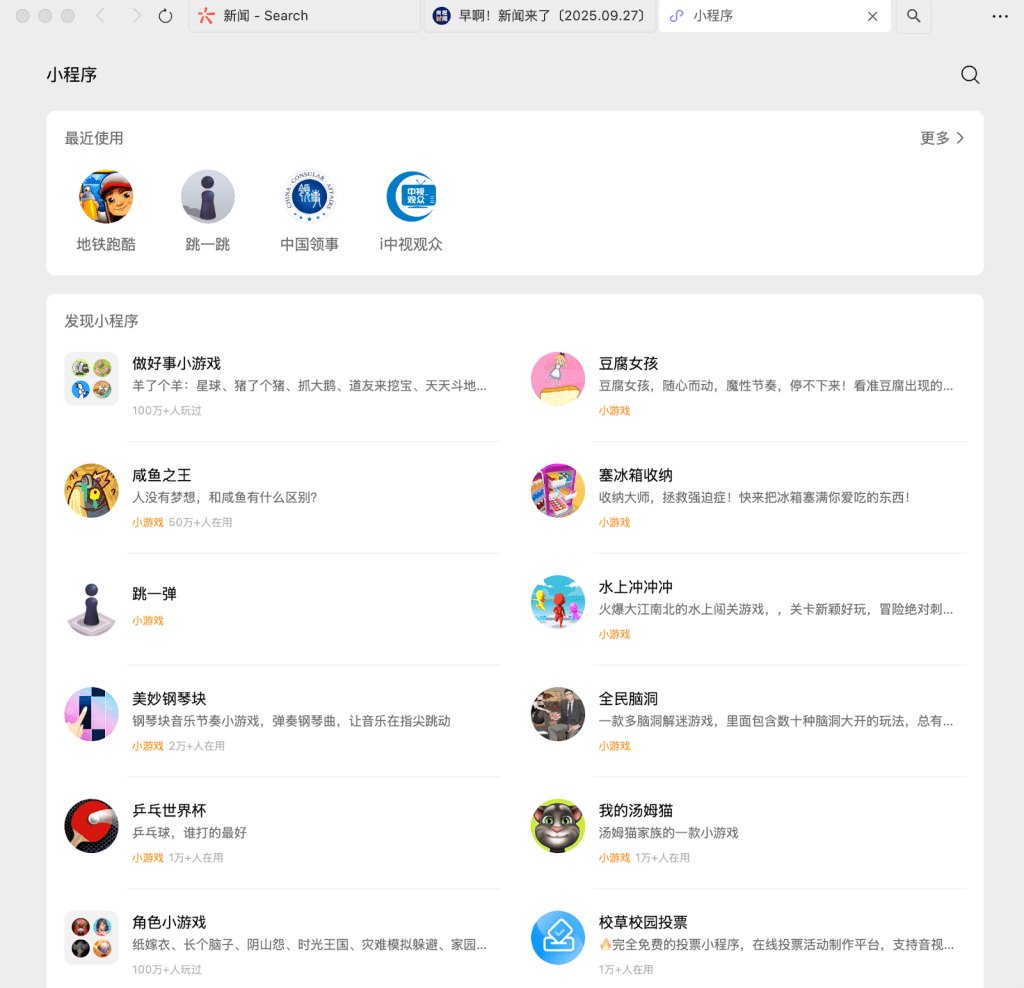
Clicking on the stylized “eight” right below the Search button, you’ll see a lot of apps, some of which may look a bit familiar and others foreign. Afterwards, click on the search button at the top right and enter the desired app to get the party started.
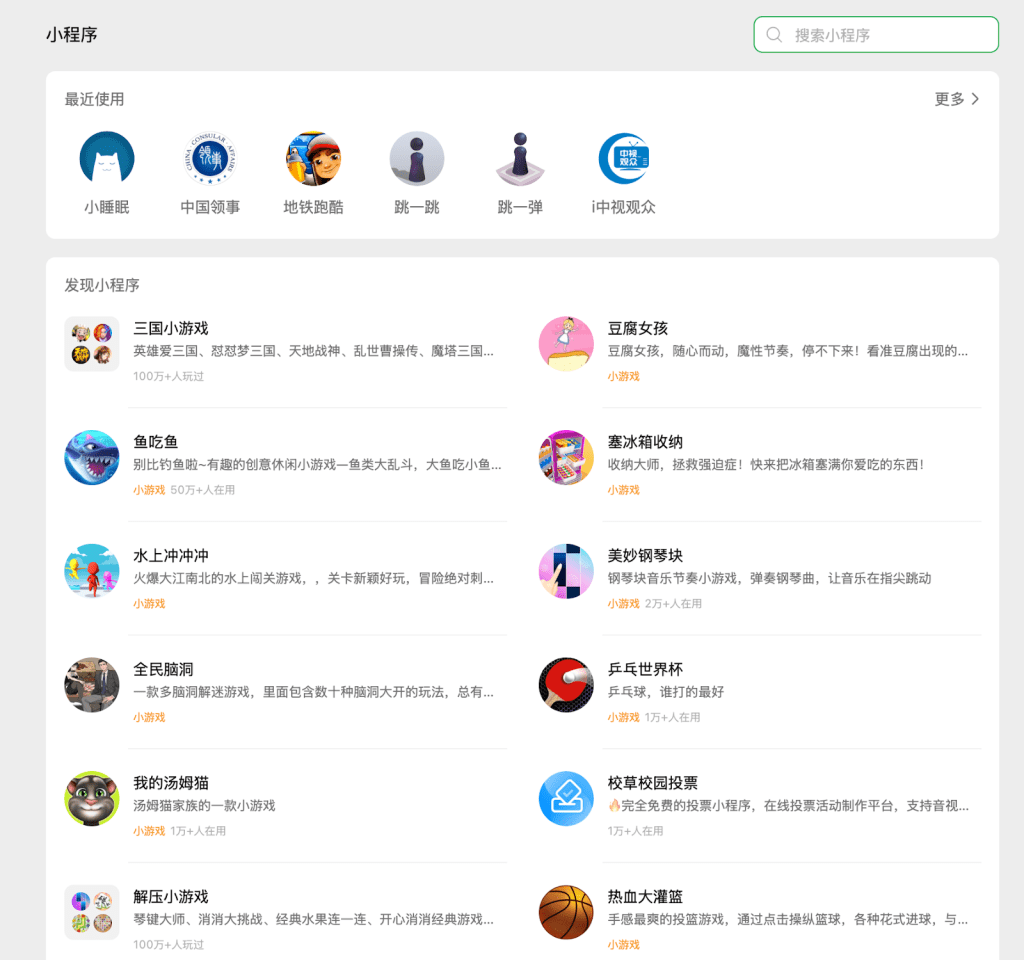
A world of information and discovery awaits you.
Most are self-explanatory, but here are some recommendations for apps that users across WeChat love, featuring our top picks for three categories.
Games
Introduced in 2017 as Mini Games, WeChat offers a large variety of games that have become extremely popular across the platform: due to them being accessed and played through the app itself, most do not require a download or updates, making them more convenient to use than app stores, which require directly finding and going through an installation process. Since then, the feature has proven highly successful, generating over $2.3 billion in revenue in the first half of 2024 alone.
Developers have also found the feature just as significant. Due to WeChat’s large user base, Chinese game developers have often used the platform as a proof-of-concept for testing new approaches and features. Here are two easy-to-play games that you can either try yourself or challenge your friends to:
跳一跳 (Jump Jump): Jump Jump is one of the most popular games on the interface and has become popular due to its simple gameplay and engaging nature. Among the 17 original games offered during the first batch of mini-games’ release, the game has been described as “having all the qualities of an addictive smartphone game” – you simply hold to boost your character and release to jump.

A user playing Jump Jump. If you ever want to take a break, make sure to click on the top-right circle!
地铁跑酷 (Subway Surfers): Over the years, once-inaccessible Western games have found themselves entering the phones of Chinese gamers, and the popular Subway Surfers is no exception. However, the interface is much more complex, reflecting the deeper monetization and progression mechanics that have become established in China.

A side-by-side comparison of the menu from both the US and Chinese versions. With crowns, built-in mini-games, and even an integrated customer helpline, the Chinese interface can be intimidating to newcomers. Source: Game UI Database
Daily Life
Of course, WeChat isn’t only about playing – it’s also full of practical tools, from helping you fall asleep to ordering bubble tea and having it arrive right at your doorstep.
美团外卖 (Meituan Takeout): With a friendly kangaroo as its logo, Meituan offers a wide range of local on-demand services, with over 770 million annual transacting users. The next time you’re in China, give the app a try – use it just like you would for Uber Eats or DoorDash.
小睡眠 (Sleepy Sounds): With bustling, populated cities and intense work schedules, many people turn to soothing sounds to help them fall asleep, but don’t know what to choose. WeChat’s Sleepy Sounds enables you to decide. The categories, from left to right, are: All, Thunderstorms, Rivers, Classroom, Nature, ASMR, Animals, and Melodies.
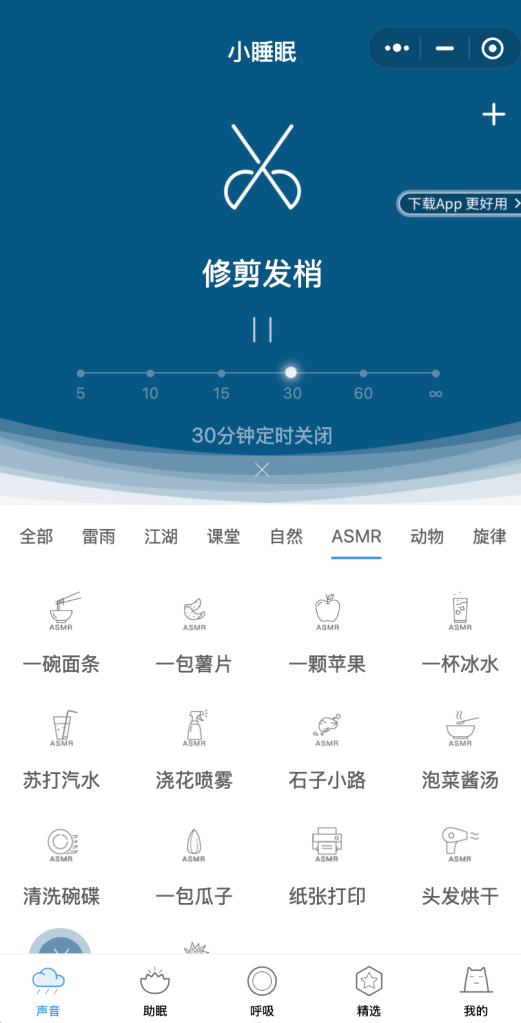
The ASMR section of the Sleepy Sounds app. Selections include eating noodles, chips, apples, and drinking water and soda!
Health and Fitness
走路步数记录 (Steps Tracker): Keep track of how much walking you’re getting with this helpful app. With built-in goal setting, this app helps you reach a dedicated amount of exercise each day.
丁香医生 (DXY Doctor): Used in China for health advice, symptom checking, and wellness tips, DXY Doctor helps you keep track of your body and allows you to access its database of tips.
Conclusion
This article provides a brief glimpse into the vast array of articles, games, and features available on WeChat. With an accessible interface and a good translator, even those without Chinese reading skills can take advantage and discover the rich variety of features available on this app.
 The AAPI Angle
Leave a comment